


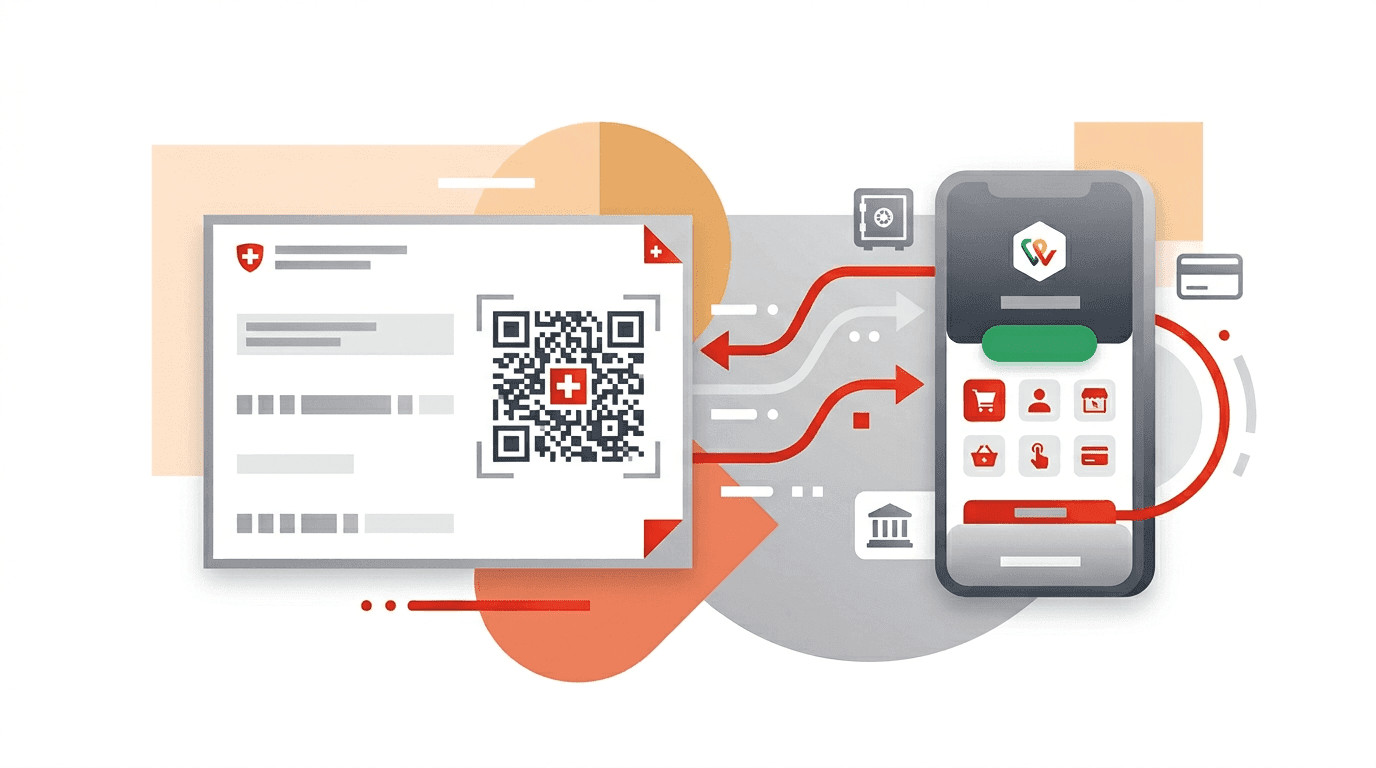
Switzerland's payment system is unlike anything you've used before. Forget credit card swipes and Venmo transfers. Here, you'll scan QR codes on paper bills, use a mobile wallet called TWINT that only works inside Switzerland, and deal with a 21-character IBAN that starts with CH. If you've just moved here as an expat, this is the guide that will save you from confused stares at the post office.
What is a Swiss IBAN and how does it work?
A Swiss IBAN is a 21-character code that uniquely identifies your bank account. It's the number you'll share with your employer for salary deposits, give to your landlord for rent payments, and use for every domestic transfer.
IBAN stands for International Bank Account Number. Every country that uses the IBAN system has its own format. In Switzerland, it always starts with "CH" (the country code), followed by a two-digit check number, a five-digit bank code, and a twelve-digit account number.
Here's a real example broken down: CH93 0076 2011 6238 5295 7
- CH = Switzerland country code
- 93 = Check digits (used to validate the number)
- 00762 = Bank clearing number (identifies the bank, in this case ZKB)
- 011623852957 = Your unique account number
You'll find your IBAN on the back of your debit card, in your mobile banking app, and on your bank statements. When someone asks for your "bank details" in Switzerland, they want your IBAN. That's it. Unlike many other countries, you don't usually need a separate SWIFT/BIC code for domestic transfers.
The SIX Group, which operates Switzerland's financial infrastructure, maintains the official IBAN standard and provides a free validator tool.
How to pay bills in Switzerland: QR-bills explained
QR-bills replaced Switzerland's traditional orange and red payment slips in October 2022. Every invoice you receive now has a QR code at the bottom containing all the payment information. Scanning it with your banking app takes about 10 seconds.
The system is genuinely clever. Instead of typing in a 27-digit reference number by hand (which the old system required), you point your phone camera at the QR code, verify the amount, and hit "pay." Done.
Every major Swiss bank supports QR-bill scanning: UBS, PostFinance, Raiffeisen, ZKB, Neon, Yuh, Zak. Look for a camera icon or a "Scan" button, usually on the home screen.
Point your camera at the Swiss QR Code on the payment section of the bill. Hold steady for 2 to 3 seconds. All payment fields (recipient, IBAN, amount, reference number) populate automatically.
Check that the recipient name and amount match the invoice. Then confirm. The payment usually arrives the same day for domestic transfers, or within 1 to 2 business days.
What if you can't scan? You can always enter the payment details manually in your e-banking portal. You'll need the IBAN, the reference number, and the amount. All of these are printed in text below the QR code.
Paying at the post office is still possible. Bring the paper QR-bill to any Swiss Post branch and pay in cash or by card. PostFinance charges a fee for this (typically CHF 1.50 to 2.50 depending on the amount).
QR-IBAN vs. regular IBAN: what's the difference?
There's a specific type of IBAN called a QR-IBAN that's used exclusively for QR-bill payments with a structured reference. You can identify it by looking at digits 5 and 6 of the IBAN: if they fall in the range 30000 to 31999, it's a QR-IBAN.
For everyday use, you don't need to worry about this distinction. Your bank handles it automatically. But if you're a freelancer or business owner issuing invoices, you'll need a QR-IBAN from your bank to create proper QR-bills with structured references.
What is TWINT and how does it work?
TWINT is Switzerland's mobile payment app, used by over 6 million people. That's roughly two-thirds of the Swiss population. It's the closest thing Switzerland has to Venmo, Apple Pay, and PayPal rolled into one, but it works only within Switzerland and only in Swiss francs.
You can use TWINT to:
- Pay at shops: Over 80% of Swiss stores accept TWINT. Open the app, scan the QR code at the register, done.
- Send money to friends: Enter their phone number, type the amount, send. No bank details needed.
- Pay online: Many Swiss e-commerce sites accept TWINT at checkout.
- Pay parking meters and vending machines: Yes, even those.
To set up TWINT, download the app from your bank (most Swiss banks have their own TWINT version) or use the standalone TWINT Prepaid app. Link it to your bank account and you're ready to go.
The catch for expats: TWINT requires a Swiss phone number and a Swiss bank account. If you've just arrived and don't have these yet, you'll need to open a bank account first.
How does eBill work in Switzerland?
eBill is Switzerland's electronic billing system. Instead of receiving paper invoices, your bills arrive directly in your e-banking portal. You review them and pay with one click.
Over 4,000 Swiss companies support eBill, including Swisscom, Sunrise, most insurance companies, utility providers, and government offices. Once you register for eBill with a biller, you'll never receive paper invoices from them again.
To set up eBill:
- Log into your e-banking portal
- Go to the eBill section (every Swiss bank supports it)
- Search for the company you want to receive electronic bills from
- Register with your customer number
The big advantage: You can set up automatic payment for trusted billers (like your mobile phone plan) so bills get paid on the due date without any action from you. Unlike direct debits, you keep full control and can modify or reject any bill before it's paid.
eBill is managed by SIX Group, the same organization that runs Switzerland's payment infrastructure.
Swiss payment system: how money moves
Switzerland's domestic payment system is operated by SIX Interbank Clearing (SIC) on behalf of the Swiss National Bank. Here's what this means for you in practical terms.
Domestic CHF transfers: Free at virtually every bank. When you send money to another Swiss IBAN in Swiss francs, it typically arrives the same day or next business day. Since August 2024, instant payments (processed in under 10 seconds, 24/7) are available at most major banks.
SEPA payments in EUR: Switzerland joined the SEPA zone in 2015, even though it's not in the EU. You can send and receive euro payments just like an EU country. SEPA transfers are typically free or very low cost (CHF 0 to 2 per transaction at most banks).
International transfers outside SEPA: These cost more. Expect fees of CHF 5 to 20 per transfer depending on the destination and your bank. Currency conversion adds 0.5% to 2% on top (check current rates with our currency converter). For large or regular international transfers, services like Wise can be significantly cheaper than traditional banks.
Which banks offer the best payment features?
Not all Swiss bank accounts are created equal when it comes to payment features. Here's what to look for based on our bank account comparison data.

- Account fee: CHF 0/year
- Domestic payments: CHF 0
- SEPA payments: CHF 0
- TWINT: Yes (built-in)
- QR-bill scan: Yes
- Compare Yuh

- Account fee: CHF 0/year
- Domestic payments: CHF 0
- SEPA payments: CHF 0
- TWINT: Yes (built-in)
- QR-bill scan: Yes
- Compare Zak

- Account fee: CHF 0/year
- Domestic payments: CHF 0
- SEPA payments: CHF 0
- TWINT: Yes
- QR-bill scan: Yes
- Compare ZKB
All three options above offer free domestic payments, free SEPA transfers, and full support for QR-bill scanning, TWINT, and eBill. For a full comparison of all Swiss bank accounts, check our best bank accounts guide.
Expert recommendation
When I first moved to Switzerland, the payment system confused me. QR-bills, TWINT, eBill, payment slips at the post office. It felt like learning a new language on top of the actual new language.
Here's what I wish someone had told me: set up three things on your first week, and you're covered for 95% of Swiss payment situations. First, get a bank account with a mobile app that scans QR codes (Yuh, Neon, or Zak are all free and work perfectly). Second, install TWINT from your bank's app. Third, register for eBill with your landlord, phone provider, and health insurance.
That's it. You'll scan QR-bills for one-off invoices, TWINT for splitting dinner with friends and paying at shops, and eBill handles the recurring bills automatically. The post office becomes completely optional.
One thing that surprised me: domestic bank transfers in Switzerland are genuinely free. Coming from countries where banks charge per transaction, this felt almost too good to be true. Take advantage of it. Set up standing orders for rent and regular payments. It costs nothing.

Common mistakes with Swiss payments
Swiss QR-bills are designed for the Swiss banking system. Foreign banks can't scan the QR code. You can pay manually using the IBAN and reference number via international transfer, but you'll pay SWIFT fees (CHF 5 to 20) on every single bill. If you live in Switzerland, open a local account. The fees you'll save on bill payments alone will justify it within the first month.
TWINT is how people split bills at restaurants, pay at farmers' markets, and send money to friends. Without it, you'll be the person awkwardly handing over cash while everyone else taps their phone. Download it the same day you get your Swiss bank account.
The 27-digit reference number on a QR-bill exists for reconciliation. One wrong digit and your payment won't match the invoice, which means the company might send you a reminder even though you already paid. Always scan the QR code instead of typing. Every banking app supports it.
eBill takes 5 minutes to set up per biller and saves you from dealing with paper invoices forever. You can even set auto-pay for trusted billers. Most Swiss residents who use eBill say they'll never go back to paper.
TWINT is Switzerland-only. It doesn't work in neighboring countries, online shops outside Switzerland, or for payments in any currency other than CHF. For international payments, you'll need a debit card, credit card, or a service like Wise.
Frequently asked questions
What is a Swiss IBAN number and how many digits does it have?
A Swiss IBAN has 21 characters. It starts with "CH" (country code), followed by 2 check digits, a 5-digit bank clearing number, and a 12-digit account number. Example: CH93 0076 2011 6238 5295 7. Every Swiss bank account has an IBAN, and it's the primary identifier you'll use for all payments and transfers.
How do I pay a QR-bill in Switzerland?
Open your banking app and scan the QR code. All major Swiss banks support QR-bill scanning. Point your phone camera at the QR code on the bill, verify the amount and recipient, and confirm. The payment arrives within the same day for domestic CHF transfers. You can also pay manually by entering the IBAN and reference number, or at any Swiss Post branch.
Can I use TWINT as an expat in Switzerland?
Yes, as soon as you have a Swiss bank account and a Swiss phone number. TWINT is available through your bank's app (UBS TWINT, PostFinance TWINT, etc.) or as a standalone prepaid app. Over 80% of Swiss shops accept TWINT, and it's the standard way to split bills and send money between individuals. It only works in CHF and only within Switzerland.
Do I need a Swiss bank account to pay Swiss bills?
Technically no, but practically yes. You can pay Swiss QR-bills from a foreign bank account using the IBAN and reference number, but you'll pay international transfer fees (CHF 5 to 20 per transaction) and can't scan QR codes. If you live in Switzerland and receive regular bills, a local account will save you hundreds of francs per year in transfer fees alone.
What is the difference between IBAN and QR-IBAN in Switzerland?
A QR-IBAN is a special variant used exclusively for QR-bill payments with structured references. You can identify it by the bank clearing number in positions 5 to 9: if it falls in the 30000 to 31999 range, it's a QR-IBAN. For everyday banking, your bank handles this automatically. You only need to worry about the distinction if you're issuing QR-bills as a business.